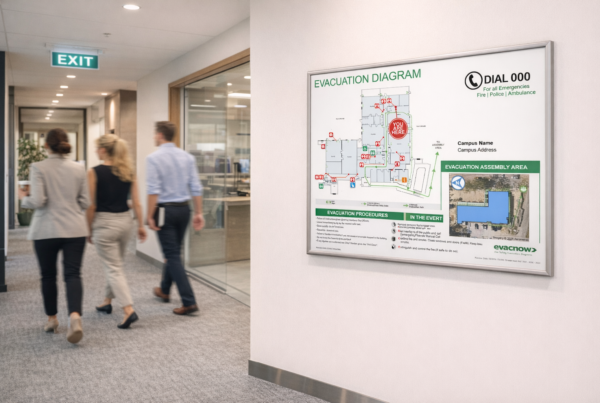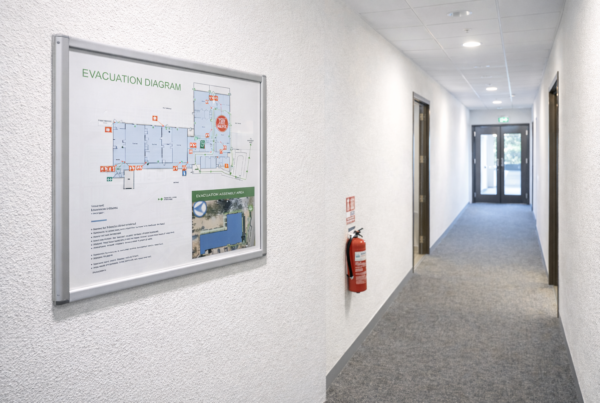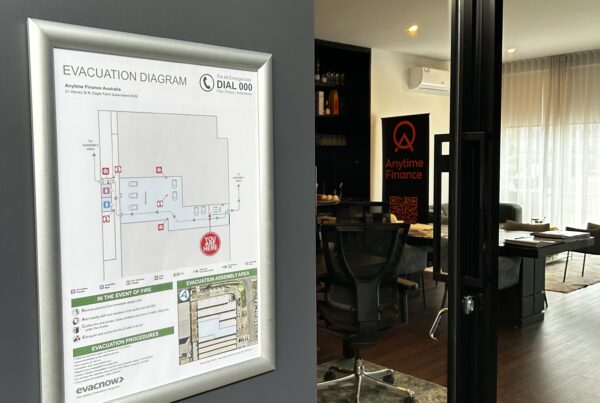

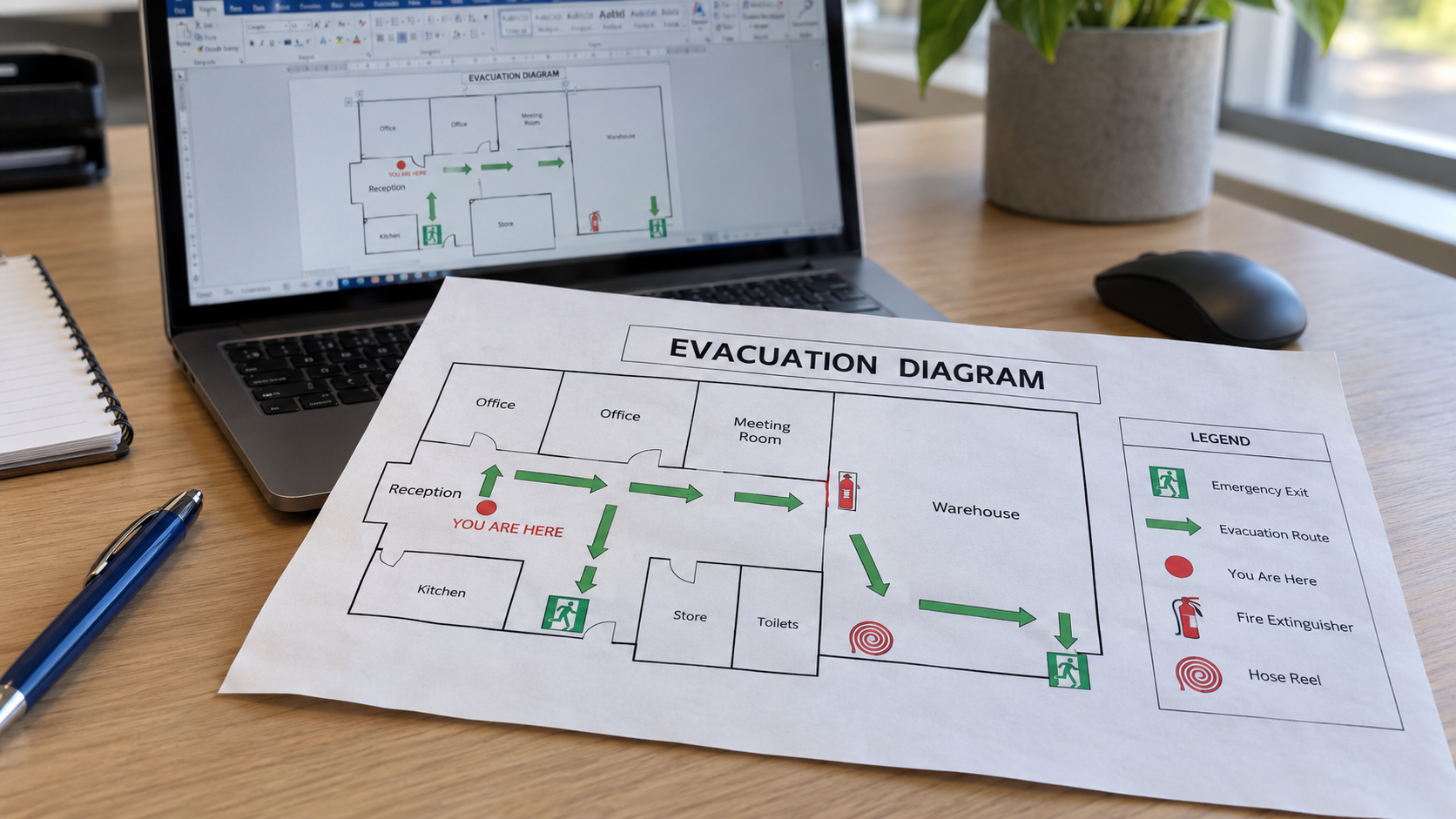
A free evacuation diagram template in Word can help you get started. It gives you somewhere to arrange the building layout, symbols and instructions without buying specialist drawing software. The important part is adapting it accurately.
A template cannot confirm your exits, check the location of fire equipment or decide how the diagram should face at its display position. If you are organising diagrams for a shop, office or other workplace, here is how to assess a template before spending hours editing it.
New to creating evacuation diagrams?
If you’ve never prepared an evacuation diagram before, it’s worth comparing the DIY approach with our affordable professional options. Incorrect or missing details could cause issues during a fire safety inspection and leave people unsure where to go in an emergency. We can prepare your diagrams saving you time and guesswork. Email your enquiry for affordable options to admin@evacnow.com.au
Where to find a free evacuation diagram template
Queensland Fire Department provides an editable evacuation sign and diagram resource in Word, alongside an example diagram and separate accommodation-unit resources. You can find these on its forms and templates page. These are useful official starting points, particularly for Queensland properties.
Choose the resource for your circumstances and read the accompanying information before changing it. For properties elsewhere in Australia, check the relevant state or territory guidance and any requirements specific to the facility. An overseas template may use unfamiliar symbols, emergency numbers or procedures.
Can you make an evacuation diagram in Word
Word lets you position a floor plan, add text and arrange shapes. For a simple layout, that can be enough to draft the artwork.
However, using Word does not determine whether the finished diagram meets the requirements that apply to your building. The same is true of PowerPoint, Canva or any other general design tool.
Keep the layout locked as you edit, check that symbols remain aligned with the floor plan and inspect the exported PDF. A drawing that looks clear on a large monitor may become crowded when printed.
Why each display position needs attention
The position of the reader matters. A diagram near reception and a diagram at the opposite end of the corridor may need different orientations and different “You Are Here” positions.
For buildings covered by Queensland’s evacuation sign and diagram provisions, the displayed route must correspond with the actual direction towards the nearest exit. This is set out in section 30 of the Building Fire Safety Regulation 2008.
Before printing multiple copies, identify which version belongs at each location. Repeating one file throughout the building may leave readers looking at a plan that does not match where they are standing.
When professional preparation may be the affordable option
Doing it yourself involves gathering site information, learning the requirements, preparing location-specific versions and checking the printed result. Consider that time when comparing your options.
You may be able to keep professional preparation practical by supplying an accurate floor plan, clear equipment photos and confirmed display positions. EvacNow prepares diagrams with a certified Fire Safety Advisor and supplies print-ready PDFs Australia-wide.
If you would rather handle printing yourself, you can see the digital option on our evacuation diagram pricing page. It gives you a way to compare the scope before deciding how much of the task to do yourself.
Common questions about templates
Does downloading an official template make my diagram compliant
- No. The template still needs accurate site information, appropriate content and correct placement. Its source does not verify your completed diagram.
Can I use an existing diagram as my starting point
- It can help identify the previous layout and equipment positions. Check it against the current premises before relying on it, particularly after a fit-out or tenancy change.
Can EvacNow work from information I have already collected
- Send the available plan, photos and marked display positions through our contact page. We can explain what else is needed and provide a quote for preparing the diagrams.